
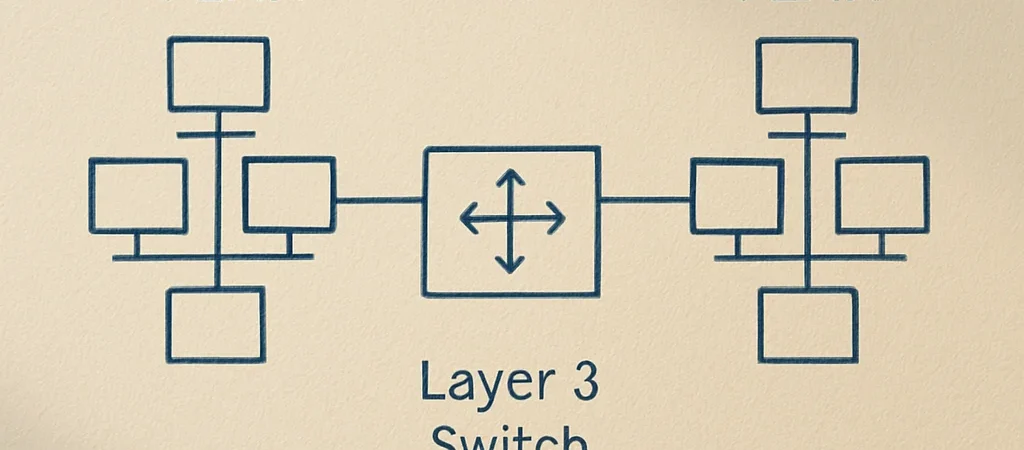
VLANs are often described as a way to split one switch into several logical networks. That is a useful starting point, but it can leave out the practical question: what traffic can cross the boundary, and what is required to make that happen? The answer begins with separating Layer 2 switching from Layer 3 routing.
The Layer Two Boundary
A VLAN groups switch ports into a broadcast domain. Devices in the same VLAN can exchange Ethernet frames locally, while traffic for a different IP subnet usually needs a router or Layer 3 switch to move between networks. A VLAN assignment alone does not create that routing function.
Access And Trunk Ports
An access port normally carries traffic for one VLAN toward an endpoint, such as a workstation or printer. A trunk carries traffic for multiple VLANs between network devices, using VLAN tags to keep those frames associated with the right broadcast domain. If the allowed VLANs or trunk settings do not match across a link, a VLAN may work on one side and disappear at the next switch.
Separation Needs More Than A Label
Putting devices in separate VLANs limits their direct Layer 2 communication, but it does not guarantee that they cannot communicate at all. If routing is enabled between the VLANs, access-control rules and firewall policy determine which traffic is permitted. The useful design question is not just which VLAN a device belongs to, but which paths between VLANs should exist.
Troubleshoot The Whole Path
When a device cannot reach a service, verify its switch port assignment, IP address, subnet mask, and default gateway before changing trunk configuration. Then check that the required VLAN is present across each switch link and that routing and policy allow the intended destination. Treat the VLAN as one part of the path, not the whole explanation.