
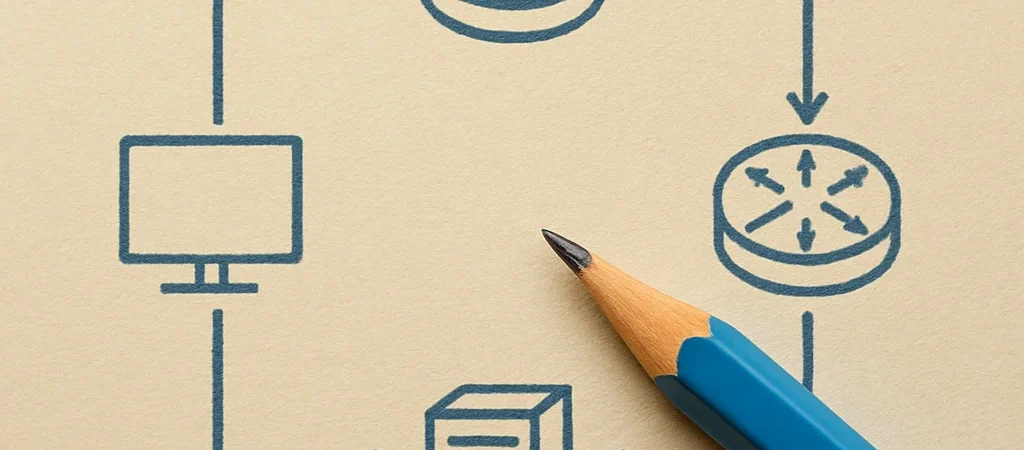
When a connection fails, it is tempting to start changing router settings. I find it more useful to first ask what the packet is trying to reach and where it should go next. That small shift turns routing from a collection of commands into a sequence of decisions.
Start With The Destination
A host compares the destination IP address with its own subnet information. If the destination is local, it can send directly to that host; if not, it sends the packet to its configured default gateway. A missing or incorrect gateway can leave a device able to reach nearby systems but not remote networks.
Follow The Next Hop
At each router, the routing table is consulted to choose an outgoing interface and, when needed, a next-hop address. The router does not need to know the entire journey in human terms; it needs a usable route for the destination, often selected by the most specific matching prefix. If no route matches and there is no default route, the packet has nowhere to go.
Check The Return Path
A request can reach a server and still appear to fail if the reply cannot find its way back. Check that the server has a route to the source network, and consider whether a firewall or address translation changes what the server sees. Tracing both directions often explains a timeout that a one-way route check cannot.
Make The Trace Concrete
Write down the source address, destination address, default gateway, and expected next hop at each network boundary. Then compare that path with route tables and, where available, traceroute output. Following one packet carefully is usually more informative than changing several settings and losing track of what fixed—or worsened—the problem.